
Information pertaining to the container to be delivered will be entered here. The type & size of container the customer needs should be entered. There are pop up helps for each of these fields. The Box number can be skipped until a container is actually selected. A Pop up list will show all of the available boxes of that type and size and one can be selected from the list. The customer’s rate or the default rate for that type and size of container will default. Any of these fields may later be changed by clicking on them or by choosing C – Containers from the prompt.
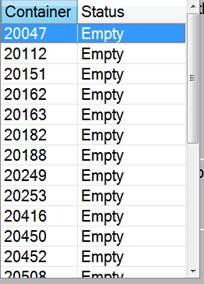
The Container Pop-Up will display all available containers and let you choose from the list.