This is a summary routine that collapses audit transactions into totals. This program should be run after the store closes because it is a "stand alone" routine. The consolidation summarizes each employee's total transactions by month. For example, employee No. 234 made 4 loans in July 1991 in the amounts of 10,20,30,40 dollars. The consolidated file would contain employee No. 234, 4 for a quantity, 100.00 for dollars and a 13 for loan code. All reports requiring individual detail must be run before consolidating the daily audit file.
Before running this selection, ALL other terminal sessions or workstations MUST be at the Main Menu. We suggest this be done after hours. It is recommended to keep six to seven months of data in the audit file. An example for consolidating would be: Using today's date as May 31, 2005, enter a consolidate date of October 31, 2004.
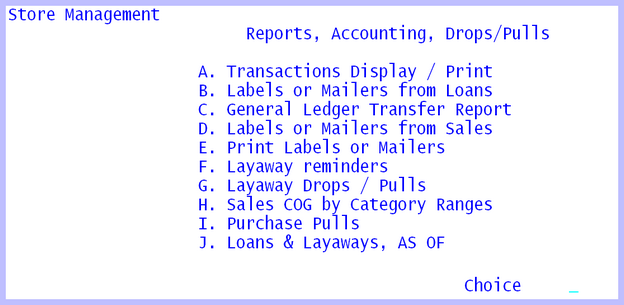
Reports, Accounting, Drops / Pulls
TRANSACTIONS Display / Print
The Transactions Display/Print program formats all the transaction types in columns by day. This allows one to search back through the particular type of transaction. For example purchases, and know how many purchases there were for a particular time period and what their transaction numbers were. Beside some of the transaction numbers is the audit trail code. These codes tell what specifically took place. For example, a 13 000123 would be the original loan number 123. A 07 000123, 08 000123 would be the loan number 123 payment and finance charge. See Appendix G for a complete list of audit codes. The program will print the item on the same line if possible, if not the next line will be used; therefore do not be concerned at the random appearance of the report. Note the transaction and loan numbers will always be increasing, while the loan payment and renewals will obviously be scattered throughout the report.
