The security system allows the pawn broker to control access values in order for a routine to be selected and run by an operator. The basic concept is that the operator must have an authorization level equal or greater than the value that is assigned to the routine. The values range from 0 to 99, if a routine has a value of zero (0) then no security check will be made. As a routine or operation is selected from the menu, the bottom of the screen will display the message "Enter PIN number". At that time the operator must enter her Personal Identification Number (PIN).
To execute the security setup routines, exit from the APS software with the "X" to exit. Then at the system prompt enter the command:
RUN PWN061
The program will respond with the system dot prompt "." The routine at this time is looking for the security password. Do not be confused that the routine is acting like it is not working, this is done on purpose. After entering the password, (the original password is APSAPS), the following menu will be displayed:
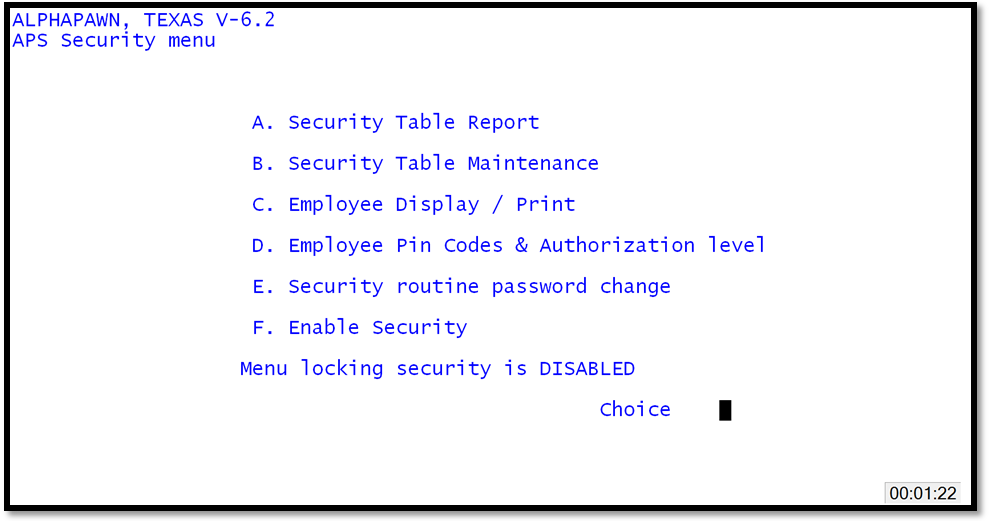
APS Security Menu
