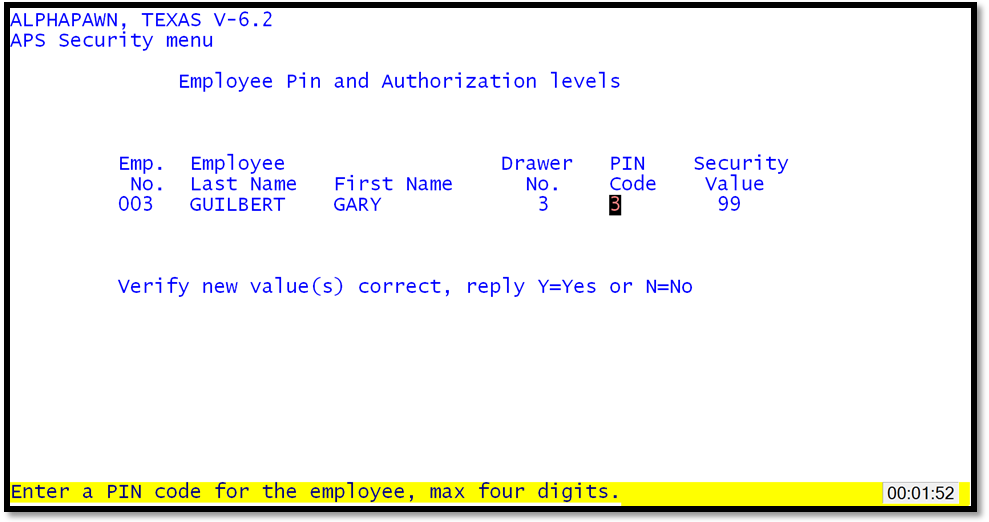
This routine is used to assign PIN codes and security values to each employee. Use the employee listing to know the employee numbers and enter the number when the program positions the cursor under the "Emp. No." field. The program will display the employee's name and the drawer that the employee is assigned too. It will then position the cursor at the PIN code field. The default (current) PIN code will be displayed in the lower left corner. Push the Enter key to keep the existing PIN code or enter a new PIN code and push Enter. The cursor will now be positioned under the Security Value field. Push the Enter key to keep the existing security value or enter a new value and push Enter. The system will ask for verification that the entries are correct; a "Y" (Yes) response will keep the new values.
The employee should assign their own PIN codes in the employee maintenance section of the APS Utilities menu. Normally this is the preferred method.