The items display print is used to search for a particular category of items. The routine allows a range of category numbers and loan numbers. This report is especially helpful when an item is found and the loan number of that item is not known. If a search of firearms is made, remember to make the starting category number 899; there may be additional item lines that have been added when the loan was made. You can find an item by partial serial number by selecting field 8, 9 or 10.
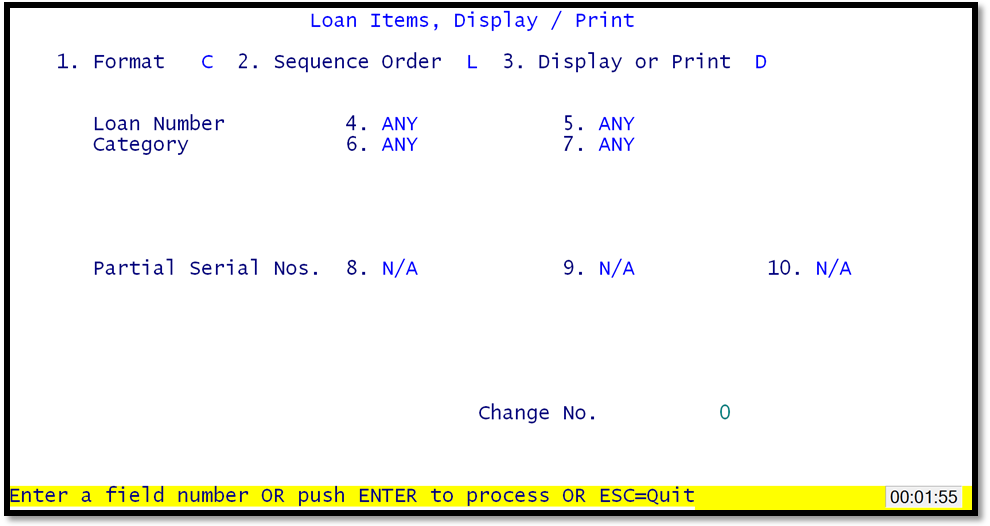
Loan Items Display/Print
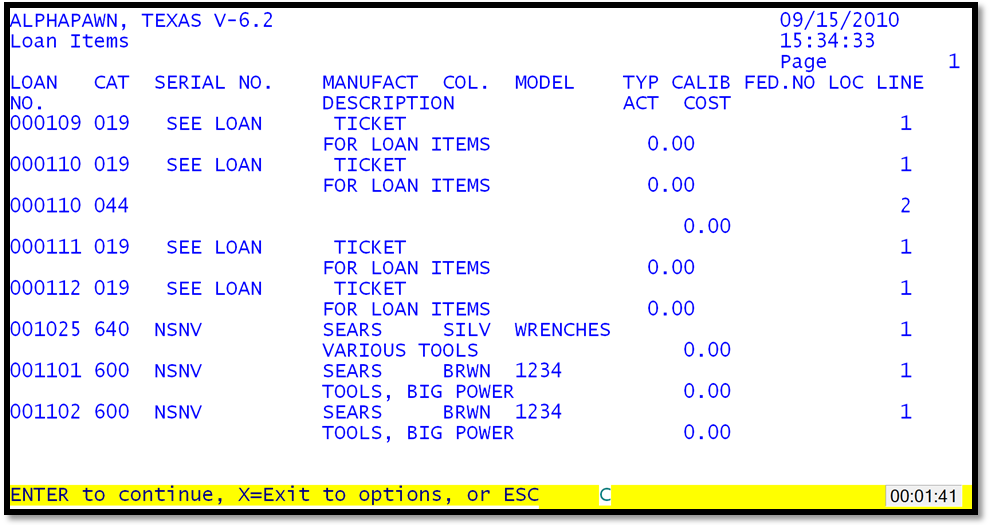
Loan Items Display/Print By Loan Number
