The firearms display/print has parameters enabling the user to select a report that shows which firearms should be in inventory (either pawned or sales) and which have left the store. Acquired and Disposition date ranges and firearm ranges can also be used to search for firearms.
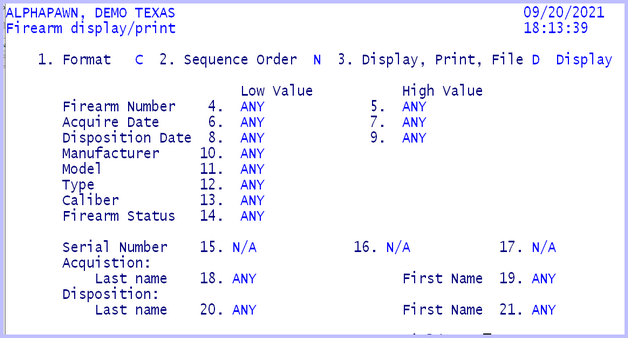
Federal Firearm Display / Print
Field 3, Display, Print, File, can be used to create a report on the hard disk. The file name and folder will be displayed at the bottom of the screen. It will be created in the folder designated by the E – A – G field 30, folder name. This file can then be copied to an external storage device such as a CD, DVD, or thumb drive. If the firearm data is to be created for an ATF inspector then change the field 1 format to “V” for CSV – comma separated variable format. The option to create a thumb drive for ATF is new and is documented in the ATF 2016 document included with the APSDOCS folder on the system.
